Ubuntu: Set Hostname
Here are steps to properly set the hostname of an Ubuntu server.
HostnameCtl
Get the current hostname with this:
hostnamectl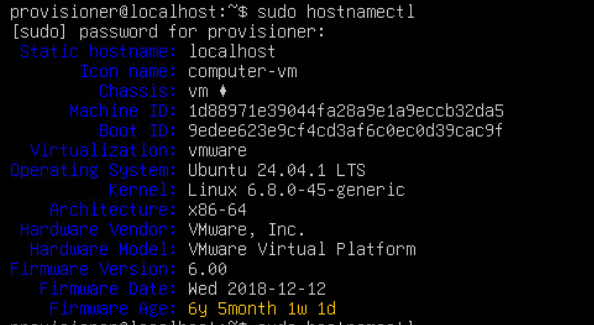
To set it, use this:
sudo hostnamectl set-hostname new-hostname (replace new-hostname)Once set, confirm it with the previous command.
Hosts File
Now, you need to update the hostname in your hosts file, with this:
sudo nano /etc/hostsThe hosts file lists the hostname in the second entry: 127.0.1.1, like this:

Update the 127.0.1.1 entry with the correct hostname.
Save and close the hosts file after update.